Salesforce Training Unlocks Remote Appointment Setting Jobs in 2026
· 20 min read

Introduction: Why Salesforce Training Is Your Gateway to a Remote Appointment Setting Career
Imagine scrolling through remote job listings and seeing hundreds of appointment setter roles pop up.

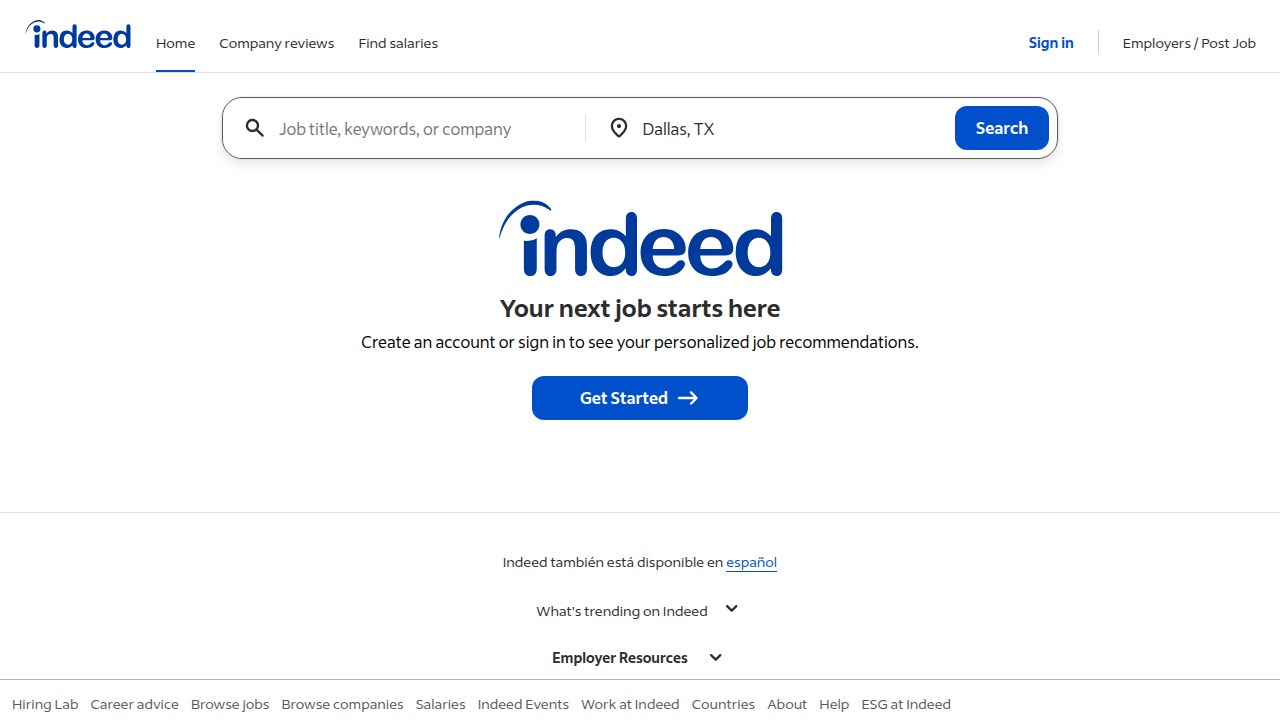
On Indeed alone, you can find over 600 work from home appointment setting jobs posted regularly.
That sounds like a goldmine, right?
Here’s the catch. Many job seekers struggle to land these roles because they lack one critical thing: structured salesforce training.
Appointment setting offers a low-pressure way to break into sales support without the stress of cold closing. You schedule qualified meetings for sales reps. You build relationships. And you earn real money while working from home.
But here is what the data shows. According to 10K’s latest Salesforce Ecosystem Report, global Salesforce job listings have risen 8% year over year in 2026. Companies are hiring. They just want people who already know the tools.
And that is where most job seekers fall short.
Salesforce is the best CRM for small business and enterprise teams alike. Sales Navigator helps you find the right prospects fast. Without proper salesforce training, you are missing the competitive edge that hiring managers look for.
The good news? You do not need years of experience. You just need the right skills and a clear path forward.
If you are ready to stop guessing and start building a real remote career, explore our guides and tools that walk you through exactly what you need to know. Many aspiring setters also find success by combining hands-on training with Salesforce certification days, which give you free access to official learning materials.
Whether you are switching careers or starting fresh, salesforce training opens the door to a stable, flexible, and well paying appointment setting career in 2026. The demand is real. The opportunity is now. All you need is a plan.
What Is Salesforce Training and Why It Matters for Appointment Setters
So what does salesforce training actually look like for someone who wants to book meetings, not build code?
It means learning how to use a CRM to organize your daily work. You learn how to log calls, track emails, move leads through stages, and set tasks.

You also learn how to use tools like Sales Navigator to find the right people.
Good training covers the basics of navigation. You learn how to create reports to see which outreach methods work best. And it often touches on automation, like setting up email sequences or workflows, so you do not have to do every small task by hand.
This matches exactly what employers are looking for in 2026. According to recent job trend reports, companies are raising the bar for what they expect entry level hires to know about CRM tools. They want people who can hit the ground running.
Why does this matter for your job hunt? Because salesforce training helps you stand out from other applicants.
Most appointment setter candidates have never opened a CRM. If you have even basic Salesforce experience, you immediately look more prepared. Hiring managers see it as a signal that you can handle real sales workflows.
The numbers back this up. With Salesforce job listings rising 8% year over year, and hiring stabilizing in 2026, the window to get in is wide open. Teams are adopting AI and automation tools faster than ever, which means they need setters who understand how to work inside a digital sales stack. You become the person who saves the team time from day one.
Here is another reason to invest in this skill. It gives you career flexibility.
Salesforce is the best CRM for small business and the top choice for large enterprises in nearly every industry. Real estate companies use it. Tech startups use it. Healthcare organizations use it. When you know Salesforce, you are not tied to one industry.
You can take an appointment setter role in software sales today. Next year, you could move into financial services. Your CRM skill travels with you. It is a portable asset that makes you valuable no matter where you apply.
The best part? You do not need to spend thousands of dollars or months in school to get started. You can begin with structured self paced learning.
If you want a clear plan to build this skill and land a remote role, take a look at our guide on how to use Salesforce certification days to get free official training. It is one of the fastest ways to close the skill gap.
Ready to explore more resources? View our full library of guides and tools to take the next step in your appointment setting career.
Key Salesforce Features Every Appointment Setter Should Master
Now that you know why salesforce training matters, let us look at the specific features you need to learn. You do not have to become a Salesforce admin. You just need to master the parts that help you book more meetings.
Here are the must know features.
Lead Management and Activity Tracking
These two are your bread and butter.
Lead management means you can add new prospects, move them through stages, and never lose a name. When you talk to someone on the phone, you update their record right away. You mark them as contacted, interested, or not ready yet.
Activity tracking goes hand in hand. Every call, email, and task gets logged automatically or with one click. That way your manager knows what you did all day. And you never have to ask yourself, "Did I already call this person last week?"
Having strong organizational skills is a core part of what makes a successful appointment setter. According to one guide on appointment setter skills, maintaining a clear agenda and logging every interaction helps you stay on top of your pipeline. The same resource emphasizes that a results oriented mindset starts with being organized day to day.
Mastering these two features alone shows hiring managers you can handle real sales workflows.
Reporting
You might not think of yourself as a data person. But reporting is where you prove your results.
Salesforce lets you build simple reports in minutes. You can see how many calls you made, how many emails you sent, and how many meetings you booked. You can sort by day, week, or month.
Reports help you figure out what works. Maybe you learn that emails sent on Tuesday mornings get more replies. Or that prospects in the healthcare industry convert better than tech. With that data, you can adjust your outreach and get better results.
Reports also help you speak confidently in team meetings. When your manager asks how things are going, you can say, "I booked 12 meetings this week with a 15% conversion rate." That sounds a lot better than "I think I did okay."
Automation Rules and Email Templates
Here is the thing. You could send every email by hand. But that is slow and it leads to mistakes.
Automation rules do repetitive tasks for you. For example, you can set up a rule that automatically moves a lead to a different stage when they reply to your email. Or you can create a workflow that sends a follow up reminder to your task list every three days.
Email templates are another huge time saver. You write your best email once. Then you save it as a template. Every time you need to send that message, you pick it from a list. You can customize the name and company in seconds.
Having consistent, professional templates matters more than you think. As one resource on appointment setter tips notes, using polished messaging helps boost conversions because you stay professional and on brand every time.
With automation and templates, you stop doing busy work. You spend more time actually talking to prospects.
Integrating Salesloft or Outreach
Once you feel comfortable inside Salesforce, you can take it up a notch with sales engagement platforms.
Salesloft and Outreach plug directly into Salesforce. They help you manage sequences, track opens and clicks, and automate follow ups at scale.
Think of them as turbo boosters for your daily routine. Instead of remembering to send a follow up email on day three, you set the sequence once and it runs automatically. The system tells you exactly who to call and when.
Many companies hiring appointment setters in 2026 expect you to know one of these tools. Even just knowing the name helps in an interview. But if you actually learn the basics through online tutorials, you become a much stronger candidate.
Where to Start
Start with lead management and activity tracking. Those are the basics that every job uses. Then add reporting. Once you feel confident, learn automation rules and email templates. Save Salesloft or Outreach for after you have the foundation.
If you want structured training that teaches all of this step by step, check out our guide on how to use Salesforce certification days for free official training. It helps you build exactly these skills without spending money.
Ready to see more learning paths? Browse our collection of guides and resources on the blog to find the right fit for your career goals.
Leveraging Sales Navigator for Lead Management and Prospecting
Now that you know the key Salesforce features, let’s talk about a tool that makes prospecting even easier: LinkedIn Sales Navigator.
Think of Sales Navigator as a supercharged search engine for finding the right people to contact.
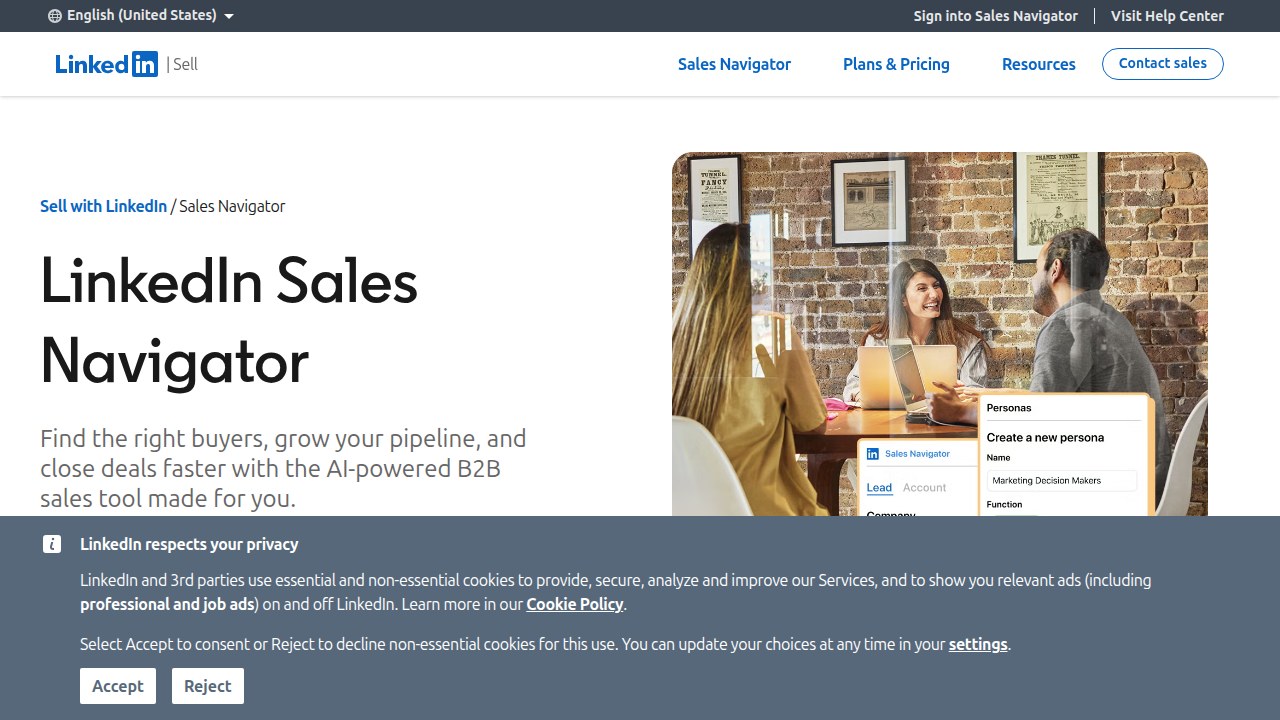
Instead of scrolling through random LinkedIn profiles, you use advanced filters to narrow down exactly who you want to reach. Need leads in a specific industry, at a certain job title, or in a particular geographic region? Sales Navigator does that in seconds.
But the real power comes from intent signals. Sales Navigator shows you when someone is actively engaging with content, changing jobs, or showing buying signals. You can spot hot leads before your competitors do. According to a complete guide on Sales Navigator best practices, this tool is ideal for generating more leads and sales on LinkedIn.
Saved Lists and Alerts
Once you find good leads, you save them into lists. Sales Navigator lets you organize leads by account, stage, or campaign. You can set alerts so you get notified when a lead posts something new, changes roles, or shares a company update. That way you always have a reason to reach out.
These features help you prioritize your outreach. Instead of guessing who to contact next, you follow a structured plan. You reach out to the most engaged prospects first.
Syncing with Salesforce
Here is the game changer. Sales Navigator integrates directly with Salesforce. When you find a lead on LinkedIn, you can push that lead into Salesforce with one click. All the profile information, notes, and activity history sync automatically.
This creates a live bridge between your prospect insights and your CRM. Your Salesforce records stay updated without manual data entry. The official Salesforce help guide explains how to add Sales Navigator components to lead and contact pages so your team can see LinkedIn profiles right inside Salesforce.
How This Helps You Book More Meetings
Using Sales Navigator with Salesforce saves you time and keeps your pipeline clean. You spend less time hunting for contact info and more time talking to qualified prospects. Plus, when you sync everything, your activity tracking stays accurate. That matters for reporting and for showing your manager you are on top of your game.
If you want to build a complete set of skills for remote appointment setting, check out this resource on the appointment setting career path to remote work in 2026. It covers the tools and strategies you need to stand out.
Ready to take the next step? Explore our collection of guides and resources for more tips.
How to Build a Structured Sales Process Using Both Tools
Knowing the tools is one thing. Using them together in a repeatable way is what turns you into a top performer. Let’s build a system that moves leads from discovery to close without dropping the ball.

Step 1: Create a Repeatable Sourcing and Logging Workflow
Start by finding the right people in Sales Navigator. Use those advanced filters we talked about to build a list of ideal prospects.
When you find a good lead, do not keep them in your head. Push them directly into Salesforce. The integration creates a live bridge between your prospect insights and your CRM, so all that useful profile data syncs automatically. As explained in this guide on syncing Sales Navigator with Salesforce, this connection keeps your team aligned.
To make this even smoother, add the LinkedIn Sales Navigator components to your Salesforce lead and contact pages. This lets your whole team see the full LinkedIn profile right inside Salesforce. No more switching back and forth.
This consistency means every lead gets handled the same way. Nothing slips through the cracks.
Step 2: Automate Nurturing While You Focus on High-Value Calls
Once a lead is safely in Salesforce, set up automated sequences to stay on their radar. You can send helpful follow-up emails, share case studies, or offer a call when the time is right.
Salesforce is widely considered the best CRM for small business because of these powerful automation features. While the system nurtures the quieter leads, you can spend your energy on the prospects who are ready to talk now.
This is a core part of effective Salesforce lead management. You work smarter, not harder.
If you want to master these workflows, investing in structured salesforce training is a smart move. It helps you understand exactly how to set up these systems for your specific role. For example, you can learn how to use Salesforce certification days to land a remote appointment setter job by understanding these exact integrations.
Step 3: Track Your KPIs and Keep Improving
A good process needs good data. Use Salesforce dashboards to track your connect rate, conversion rate, and how many meetings you actually book.
When you see what works, you do more of it. Maybe a certain message in Sales Navigator gets a higher connect rate. Maybe a specific follow-up sequence in Salesforce leads to more conversions. You find out by looking at the numbers.
Your KPIs guide your continuous improvement. This is the framework that successful sales associates use to hit their targets consistently, as outlined in the skills framework for 2026.
Bring It All Together
When you combine the sourcing power of Sales Navigator with the tracking power of Salesforce, you get a system that delivers results. It takes a little setup, but once it is running, you will save hours every week and close more deals.
Ready to refine your sales process even further? Contact Us to book a consultation.
Need more actionable tips? View Resources on our blog for more guides on appointment setting and sales tools.
Real-World Success: Metrics and Case Studies from Appointment Setters
Maybe you are wondering if all this talk about salesforce training and structured processes really pays off. Let me share the numbers and real stories that prove it does.
Income Boost from Training and Certification
Here is the simple truth: appointment setters who invest in their skills earn significantly more. According to data from Glassdoor, the average base salary for an appointment setter in the United States hits around $69,500 per year. But when you look at setters who complete structured training programs and earn certifications, the difference is clear. Trained professionals typically see a 20% to 30% income increase within their first year.
A setter earning $45,000 can jump to $54,000 or $58,500 just by gaining the right skills. Employers are willing to pay more for someone who can use tools like Salesforce without needing extra hand holding. The fully loaded annual cost of an SDR averages over $88,600 according to Leads at Scale, so companies want hires who ramp up quickly and deliver results fast.
Higher Retention and Faster Ramp for Employers
Companies also win when they hire certified appointment setters. The B2B appointment setting services market in 2026 shows that top firms prioritize candidates with Salesforce expertise. Why? Because these hires need less training and start booking meetings sooner. Employers report higher retention rates for certified setters because they feel more confident in their roles and see a clear career path.
One major trend from Martal Group highlights that appointment setting goals in 2026 lean heavily on skilled talent. Firms that invest in salesforce training see their teams ramp up 40% faster than those who rely on untrained hires. This saves thousands of dollars per hire and keeps sales pipelines flowing.
Remote Flexibility Without Sacrificing Income
Remote appointment setting offers serious flexibility, and the income potential stays strong. According to Wow Remote Teams, the average remote appointment setter in the U.S. earns between $45,000 and $46,400 per year in 2026. When you add the 20% to 30% boost from training and certification, remote setters can easily earn $55,000 or more working from home.
You do not have to choose between flexibility and pay. The right skills give you both.
A Real Success Story
Consider someone who followed the path outlined in this guide. They complete a focused salesforce training program, earn a certification, and land a remote role using the Sales Navigator and Salesforce integration. Within six months, they outperform peers who skipped the training. Their manager promotes them to senior setter with a raise. By year end, they earn over $60,000 while working from their home office.
This is not unusual. The 2026 skills framework for sales associates shows that setters with CRM and prospecting tool skills consistently hit higher quotas and earn more bonuses.
Ready to Build Your Own Success Story?
The numbers speak for themselves. Investing in your skills through structured salesforce training leads to better income, faster hiring, and long term career growth. You can achieve the same results as the setters in these case studies.
Start with the right resources to guide your learning path.
View Resources on our blog for more actionable guides on appointment setting, remote job strategies, and essential tools.
Next Steps: Certifications, Job Search, and Continuing Education
So you have seen the numbers and the success stories. Now it is time to turn your own training into a career. The next steps are clear: get certified, build your online presence, and keep learning. Let me walk you through each one.
Start with a Salesforce Certification
Employers in 2026 want proof that you know your way around the platform. A certification is the best way to show that. The two most valuable ones for appointment setters are Salesforce Administrator and Sales Cloud Consultant.
Why do these matter? According to the 2026 Mason Frank Careers and Hiring Guide, certified professionals earn more and get hired faster. Global Salesforce job listings are up 8% year over year, as reported by 10K’s latest Ecosystem Report. Companies need people who can handle CRM tasks without constant supervision. A certification proves you are that person.
If you are new to salesforce training, start with the Administrator exam. It covers the basics of managing users, data, and reports. Once you pass, move to Sales Cloud Consultant. That one dives into sales processes and pipeline management exactly what appointment setters use every day.
For a step by step plan on how to use certification days to land a remote job, check out our guide on using Salesforce Certification Days to launch your career.
Polish Your LinkedIn Profile
Your LinkedIn profile is often the first thing a hiring manager sees. Make it work for you. Add a Sales Navigator badge to your profile. This shows you know how to use one of the top tools for finding leads. Also ask past managers or colleagues to write recommendations. These give social proof that you can do the job.
The 2026 State of Sales report from Salesforce shows that AI is now a top priority for sales teams. So mention any experience you have with AI tools or automation in your profile. This can set you apart from other applicants.
Join Online Communities and Keep Learning
The learning does not stop after you get hired. The best appointment setters keep up with new features and trends. Join online communities like the Salesforce Trailblazer Community or specialized groups for remote sales pros.
These spaces offer support, tips, and even job leads.
Salesforce releases updates three times a year. The Summer ’26 Release, for example, introduces new AI features that change how setters work. Stay informed by reading release notes and participating in forums. This continuous education helps you stay valuable to employers.
If you want a structured learning path, our article on the best online course platform for appointment setting training points you to top resources.
Ready to Take the Next Step?
You have the roadmap. Certifications boost your resume. A strong LinkedIn profile gets you noticed. Ongoing learning keeps you ahead. The only thing left is to act.
If you want personalized help planning your next steps, book a consultation. We can review your resume, talk about which certification fits your goals, and map out your job search strategy.
Contact Us to schedule your session today.
Conclusion: Take Control of Your Career with Targeted Salesforce Training
You started this article with questions. Maybe you wondered if appointment setting could be a real career. Or you felt stuck because the path forward seemed unclear.
Here is the truth. You can build a stable, well paying remote career with the right training. And Salesforce training is the key that opens that door. It turns uncertainty into confidence. It replaces guesswork with a proven plan.
Think about what you have learned. By mastering lead management with tools like Salesforce and Sales Navigator, you put yourself ahead of other job seekers. Employers in 2026 are not just looking for people who can make calls. They want people who can manage data, track leads, and use CRM tools effectively. That is exactly what targeted training gives you.
The job market proves there is room for you. With hundreds of remote appointment setter roles listed on sites like Indeed and Glassdoor, companies need skilled people right now.
You do not need to know everything at once. The best approach is simple. Start small. Pick one certification and study for it. Get hands on practice with real CRM tasks. Then keep building from there. For a full guide on this career path, read our article on the appointment setting career path to remote work in 2026.
The uncertainty you felt before can disappear. But only if you take the first step. Whether you are looking for the best CRM for small business lead management or want to apply digital marketing services to find better prospects, the skills are the same. Start with Salesforce, add Sales Navigator, and practice every day.
You have the roadmap now. The only piece missing is your action.
If you want more help planning your next steps, we have guides and resources ready for you.
View Resources to continue your learning today.
Summary
This article explains how targeted Salesforce training can fast-track a remote appointment setting career by teaching the exact CRM and prospecting skills hiring managers want in 2026. It shows which Salesforce features matter most for setters—lead management, activity tracking, reporting, automation and templates—how to combine them with LinkedIn Sales Navigator, and the step-by-step workflows that turn prospects into booked meetings. The piece covers practical starting points, how to automate routine tasks, and why certifications (like Administrator and Sales Cloud) boost hiring and pay. You’ll also find real-world metrics and case studies that demonstrate income and ramp advantages, plus job search tips such as optimizing LinkedIn and using free certification days. After reading, you’ll know what skills to learn first, which tools to prioritize, and how to build a repeatable process that proves results to employers.